Welcome to the JavaScript feedback portal. We’re happy you’re here! If you have feedback on how to improve the JavaScript, we’d love to hear it!
Thanks for joining our community and helping improve Syncfusion products!
[I should note that this is for Blazor. I cannot confirm that other products are affected in the same way.]
In the Theme Studio, the text box is rendered like this when selected:
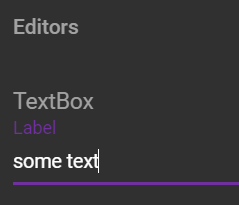
where as the downloaded CSS generates the following when highlighted:
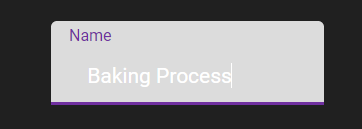
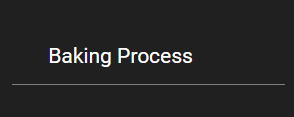
Also when unselected the label is rendered black (like the background) rather than in white as in the Theme Studio:
 Bold BI
 Bold Reports
 BoldDesk