Welcome to the Angular feedback portal. We’re happy you’re here! If you have feedback on how to improve the Angular, we’d love to hear it!
Thanks for joining our community and helping improve Syncfusion products!
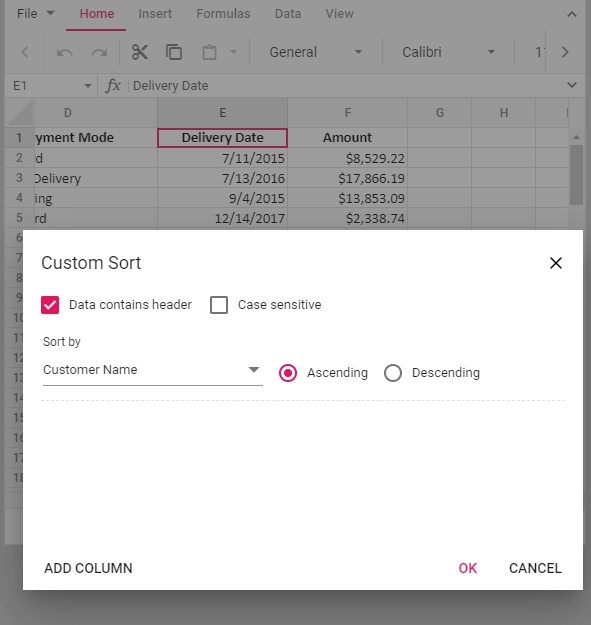
Press Ok
Data is in random order, the same applies for Descending order of Custom Sort. It works fine if we just pick regular sort from context menu. Issue is only for custom sort
 Bold BI
 Bold Reports
 BoldDesk