---
title: "Introducing the Blazor Block Editor: A Modern Block-Based Editing Experience (2025 Volume 4)"
published_at: "2025-12-24T16:58:59+00:00"
modified_at: "2025-12-29T07:06:01+00:00"
url: "https://www.syncfusion.com/blogs/post/blazor-block-editor-preview"
excerpt: "Discover how to integrate the newly introduced Blazor Block Editor for modern block-based content editing with rich features, events, and WCAG accessibility."
taxonomy_category:
- "Blazor"
- "Block Editor"
- "UI components"
- "Web Development"
taxonomy_post_tag:
- "Blazor"
- "Block Editor"
- "Content Editing"
- "WCAG"
- "WebAssembly"
---
# Introducing the Blazor Block Editor: A Modern Block-Based Editing Experience (2025 Volume 4)
[Thangavel E](https://www.syncfusion.com/blogs/author/thangavele)
**TL;DR:** The Blazor Block Editor, introduced in the 2025 Volume 4 release, brings a modern block-based approach to content editing. It offers flexible blocks, slash commands, event-driven customization, and built-in accessibility. This blog shows you how to get started and make the most of its features.
Building rich, structured content in web apps has always been a challenge. Traditional editors often feel clunky, lack flexibility, and make customization a painful process. The [Block Editor](https://www.syncfusion.com/blazor-components/blazor-block-editor)
, introduced in the [2025 Volume 4 release](https://www.syncfusion.com/forums/197921/essential-studio-2025-volume-4-main-release-v32-1-19-is-available-for-download)
for Blazor, is a modern, block-based editing experience designed for developers who want power, simplicity, and control.
In this guide, you’ll learn:
- What makes the Block Editor powerful?
- How to integrate it into **Blazor Server** and ** Blazor WebAssembly** apps.
- How to customize it using events.
- Best practices for **security**, ** accessibility**, and ** localization**.
**Note:** The Syncfusion Blazor Block Editor component was introduced in the [2025 Volume 4](https://www.syncfusion.com/forums/197921/essential-studio-2025-volume-4-main-release-v32-1-19-is-available-for-download)
release as a preview.
## What is the Block Editor?
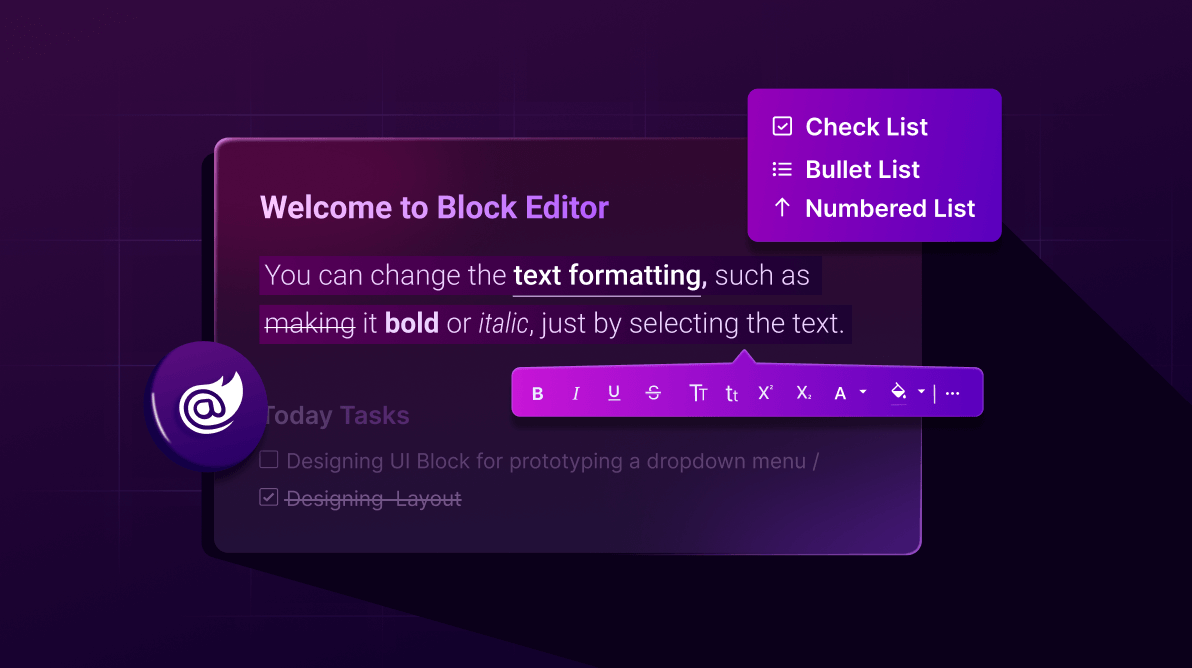
The Block Editor organizes content as an ordered list of **blocks,** such as headings, paragraphs, lists, checklists, quotes, callouts, dividers, tables, images, and toggle/accordion blocks. Each block has its own schema and editable state, allowing for fine-grained control over layout, formatting, and behavior.
The key features are,
- [Multiple block types](https://blazor.syncfusion.com/documentation/blockeditor/built-in-blocks/built-in-blocks) : Headings (levels 1–4), paragraphs, ordered/unordered lists, **checklists**, quotes, callouts, dividers, tables, images, toggle blocks, and more.
- [Slash commands (/)](https://blazor.syncfusion.com/documentation/blockeditor/editor-menus#slash-command-menu) : Quickly insert or transform content blocks using an inline command menu.
- [Rich text formatting](https://blazor.syncfusion.com/documentation/blockeditor/built-in-blocks/inline-content#applying-inline-styles) : Bold, italic, underline, strikethrough, uppercase, and inline code.
- [Action menu](https://blazor.syncfusion.com/documentation/blockeditor/editor-menus#block-action-menu) : Block-level operations like move, delete, and duplicate.
- [Context menu](https://blazor.syncfusion.com/documentation/blockeditor/editor-menus#context-menu) : Right-click access to common block actions.
- [Inline content](https://blazor.syncfusion.com/documentation/blockeditor/built-in-blocks/inline-content) : Insert links, labels, and mentions directly within blocks.
- [Copy & paste with formatting](https://blazor.syncfusion.com/documentation/blockeditor/paste-cleanup) : Preserve styles and structure when pasting from Microsoft Word, Outlook, or other editors.
- [Undo/redo](https://blazor.syncfusion.com/documentation/blockeditor/undo-redo) : Robust history stack for controlled editing.
- [Events-driven customization](https://blazor.syncfusion.com/documentation/blockeditor/events) : Hook into events like block add/remove/update, selection change, command execution, paste, and mention selection.
- [Accessibility (WCAG 2.0)](https://blazor.syncfusion.com/documentation/common/accessibility) : Full keyboard navigation, roles, and ARIA for assistive technologies.
- [Localization](https://blazor.syncfusion.com/documentation/common/localization) : Built-in localization support to adapt UI and messages to various languages.
- [XSS prevention](https://blazor.syncfusion.com/documentation/blockeditor/editor-security/cross-site-script) : Built-in sanitization and safe content handling.
## Quick start: Add Block Editor to a Blazor App
The official [Getting Started](https://blazor.syncfusion.com/documentation/block-editor/getting-started-web-app)
documentation provides the most accurate and detailed instructions. Here’s a quick overview:
**Step 1: Install the NuGet package**
Start by installing the [Syncfusion.Blazor.BlockEditor](https://www.nuget.org/packages/Syncfusion.Blazor.BlockEditor)
NuGet package for the Block Editor. This package automatically includes required dependencies.
**Step 2: Register Syncfusion services**
In your **Program.cs** file, register Syncfusion Blazor services.
```
builder.Services.AddSyncfusionBlazor();
```
**Step 3: Add a Syncfusion theme**
Include a Syncfusion theme in your layout file (e.g., `_Host.cshtml` or `Shared/_Layout.cshtml`).
```
```
**Step 4: Add the Block Editor component**
Place the Block Editor component in your Razor page:
```
@code {
private List BlockDataOverview { get; set; } = new EditorBlockData().GetBlockDataOverview();
public class EditorBlockData
{
public List GetBlockDataOverview()
{
return new List
{
new HeadingBlock
{
Level = HeadingLevel.Level4,
Content = new List { new TextContent { Text = "💫 Overview" } }
},
new ParagraphBlock
{
Content = new List
{
new TextContent { Text = "Provide project background, core objectives, key stakeholders, and proposed timeline here — include an inspiring quote to set the tone." }
}
},
new ParagraphBlock(), // Empty paragraph as spacer
// Goals Section
new HeadingBlock
{
Level = HeadingLevel.Level4,
Content = new List { new TextContent { Text = "🎯 Goals" } }
},
new ParagraphBlock
{
Content = new List
{
new TextContent { Text = "List the primary project goals and desired outcomes." }
}
},
new NumberedListBlock
{
// Start with empty items; users can add via the editor
Items = new List()
},
new ParagraphBlock(), // Spacer
// Team Members Section
new HeadingBlock
{
Level = HeadingLevel.Level4,
Content = new List { new TextContent { Text = "🧑💻 Team Members" } }
}
};
}
}
}
```
Here’s a quick demo of the Blazor Block Editor in action.

Blazor Block Editor
## Conclusion
Thank you for reading. The [Syncfusion Blazor Block Editor](https://www.syncfusion.com/blazor-components/blazor-block-editor)
represents a significant advancement in structured content editing for Blazor applications. With its intuitive block-based approach, rich feature set, and seamless integration, it empowers developers to build sophisticated, user-friendly editors for a wide range of use cases. As a preview component in the [2025 Volume 4](https://www.syncfusion.com/forums/197921/essential-studio-2025-volume-4-main-release-v32-1-19-is-available-for-download)
release, it lays the foundation for even more powerful tools in future updates. Start experimenting with it today to elevate your content creation experiences!
For a hands-on look, explore our [online demos](https://blazor.syncfusion.com/demos/block-editor/overview?theme=fluent2)
and [documentation](https://blazor.syncfusion.com/documentation/blockeditor/getting-started-web-app)
of the Blazor Block Editor. You can check out our [Release Notes](https://help.syncfusion.com/common/essential-studio/release-notes/v32.1.19)
and [What’s New](https://www.syncfusion.com/products/whatsnew)
for the other updates in this release.
If you’re a Syncfusion user, you can download the setup from the [license and downloads](https://www.syncfusion.com/account/downloads)
page. Otherwise, you can download a free [30-day tria](https://www.syncfusion.com/downloads)
[l](https://www.syncfusion.com/downloads/)
.
Your experience matters to us. Please share your thoughts on the **Block Editor**:
- How easy was it to create and edit content using the Block Editor?
- What features or enhancements would you like next (e.g., drag-and-drop improvements, new block types, advanced formatting)?
- Did you face any challenges or have suggestions for improvement?
You can share your feedback in the comments below or contact us through our [support forum](https://www.syncfusion.com/forums)
, [support portal](https://support.syncfusion.com/)
, or [feedback portal](https://www.syncfusion.com/feedback/maui)
for any queries. We are always happy to assist you!
## Related Blogs
[Angular Block Editor Now Supports Table Blocks in 2025 Volume 4](https://www.syncfusion.com/blogs/post/table-block-angular-block-editor)
[What’s New in Blazor 2025 Volume 4: Performance Enhancements and Key Updates](https://www.syncfusion.com/blogs/post/whats-new-blazor-components-2025-vol4)
[What’s New in 2025 Volume 4: .NET MAUI](https://www.syncfusion.com/blogs/post/whats-new-2025-volume-4-dotnet-maui)
[Blazor Rich Text Editor Just Got Better with Markdown and Secure Exports](https://www.syncfusion.com/blogs/post/blazor-rich-text-editor-2025-volume-4)